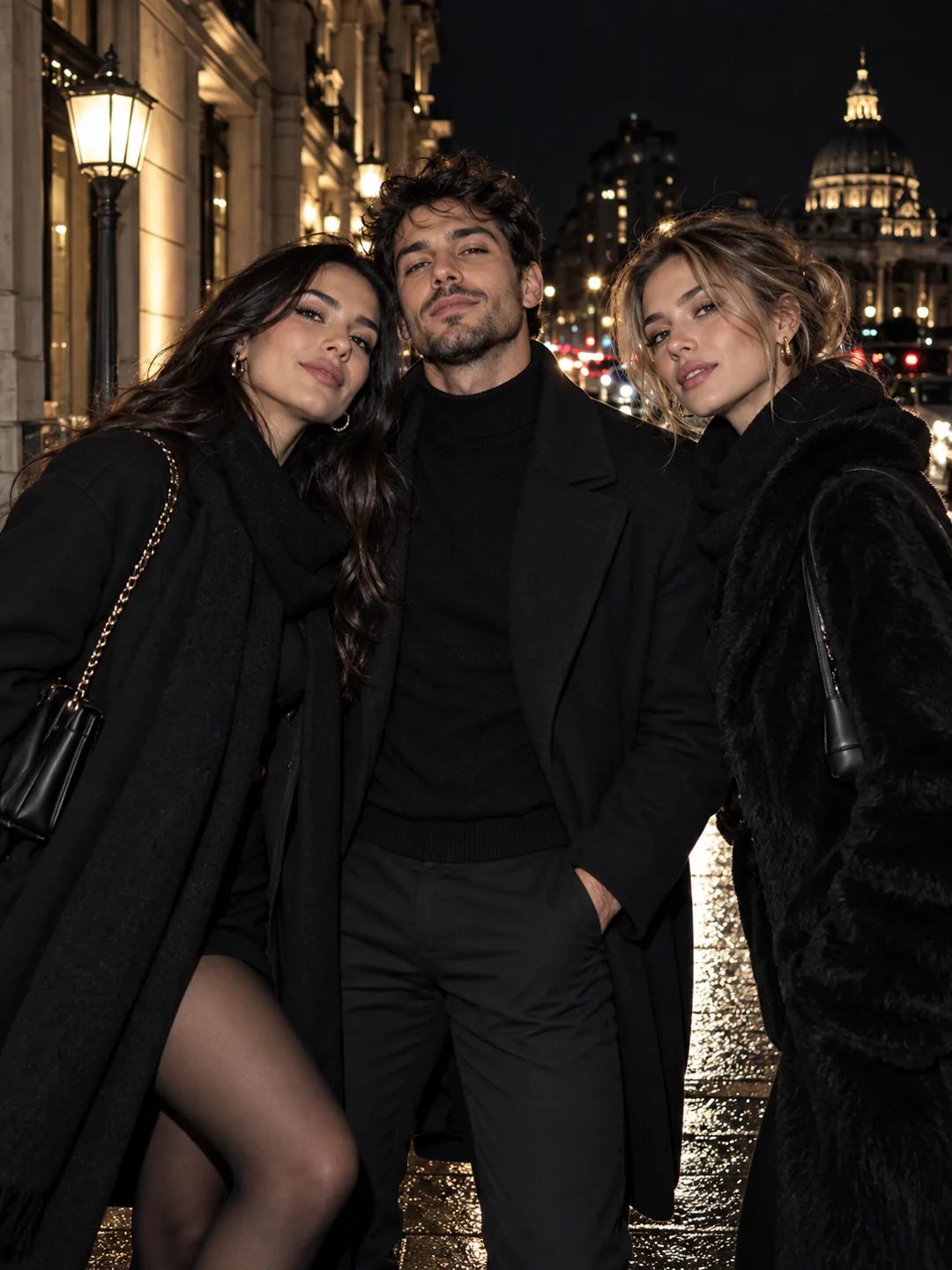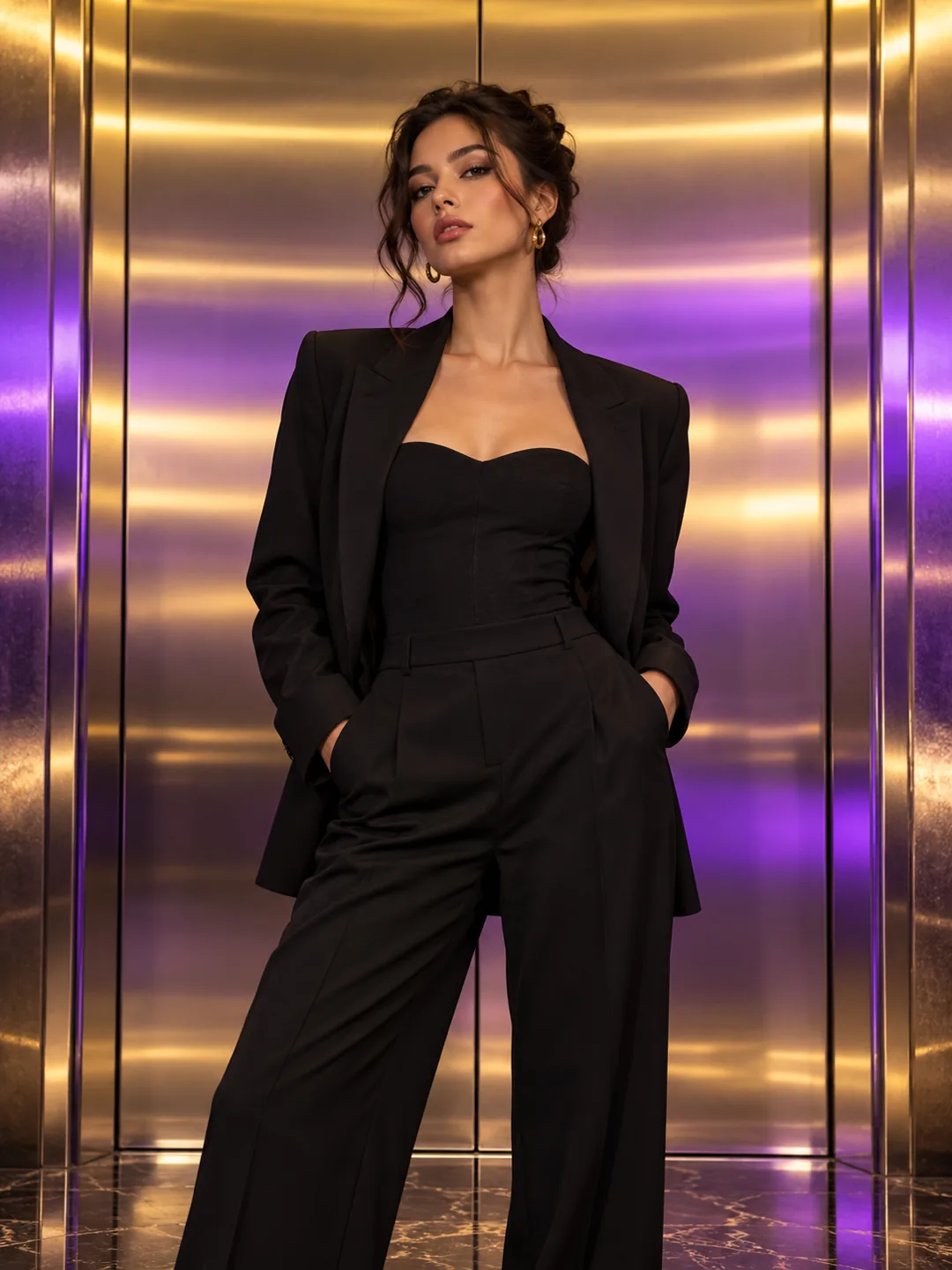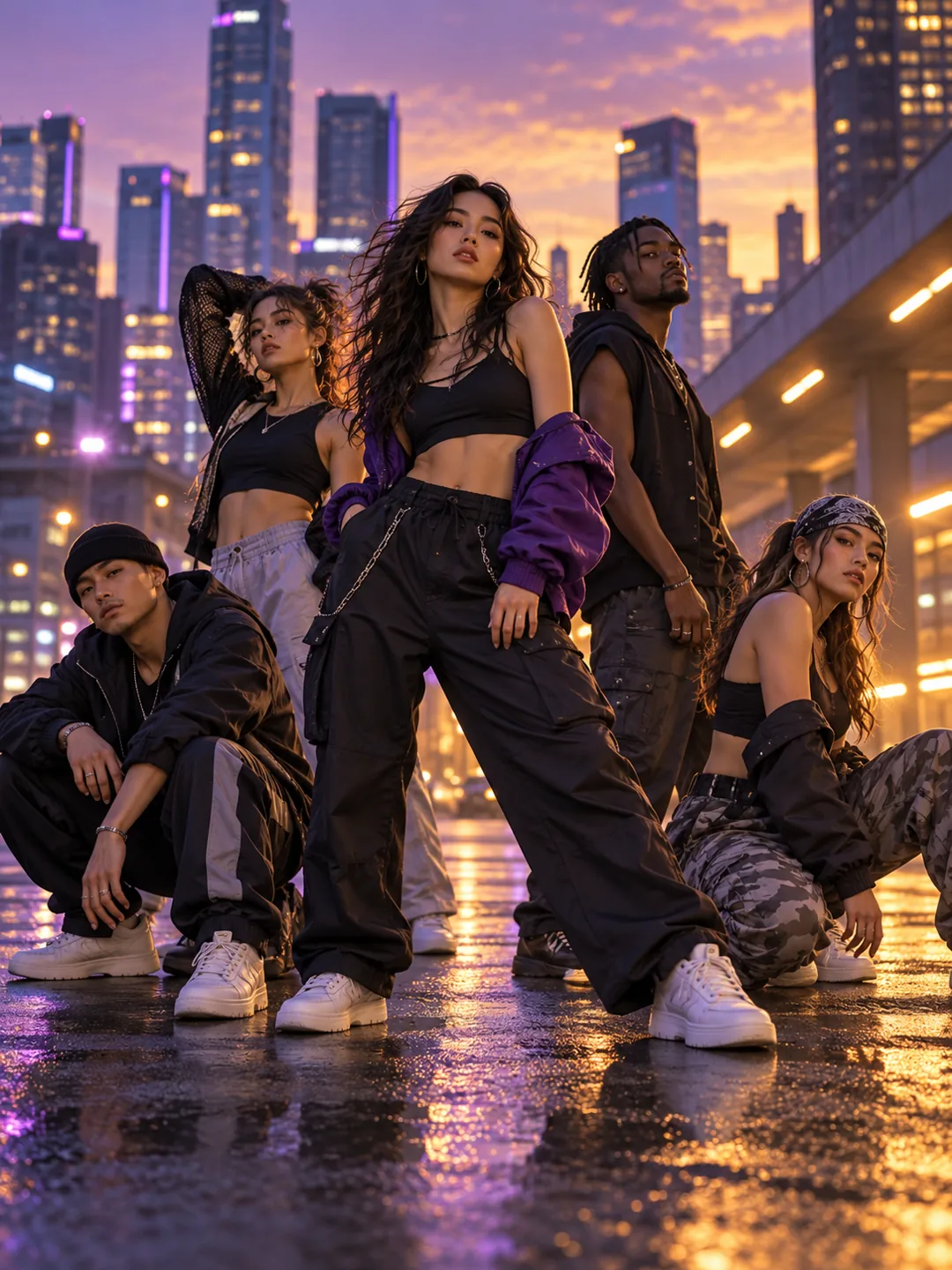
You vs You AI
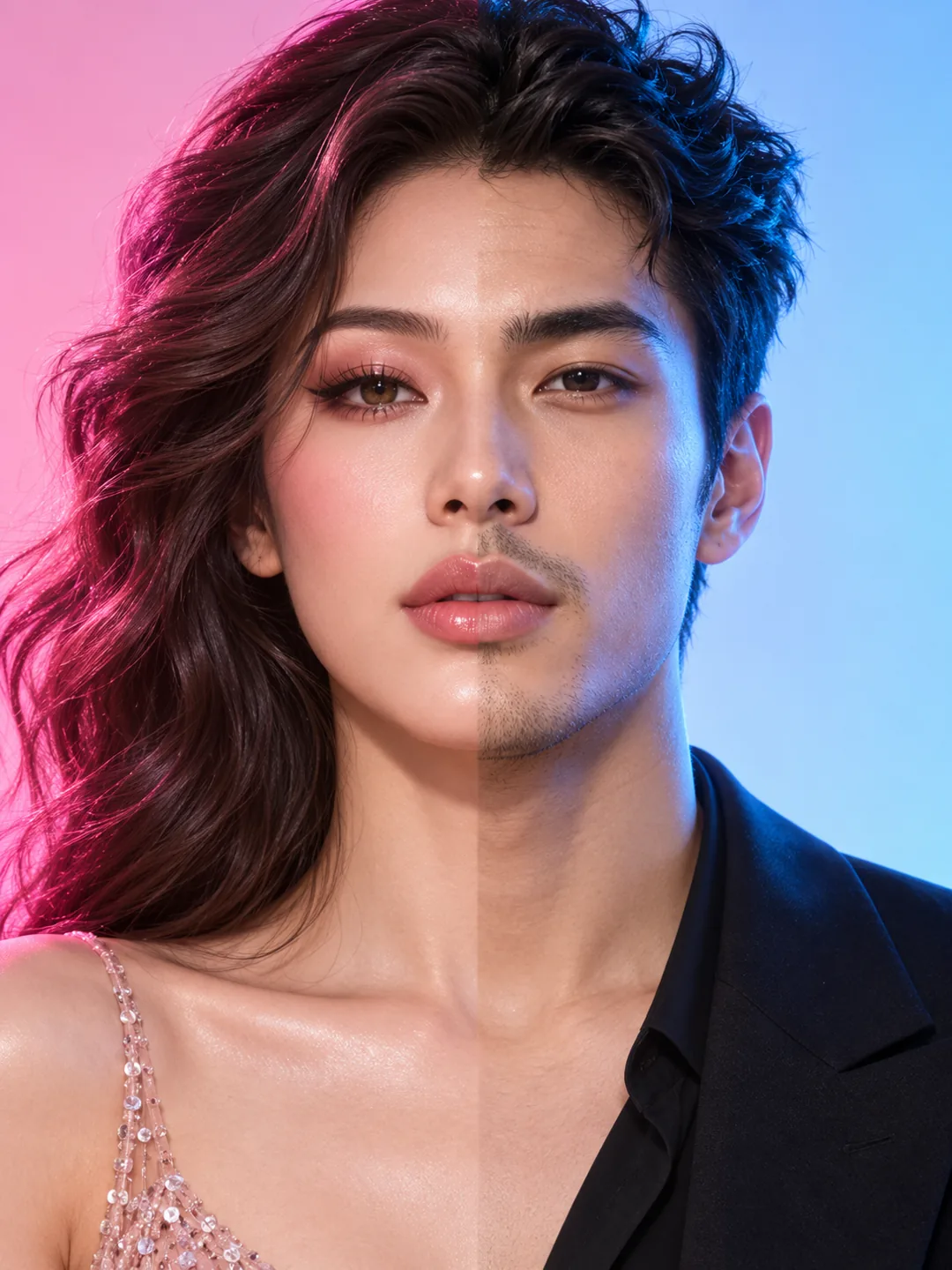
Make a You vs You AI video from one portrait, with a split-screen comparison, confident transformation and a motivational vertical reveal.
You vs You AI
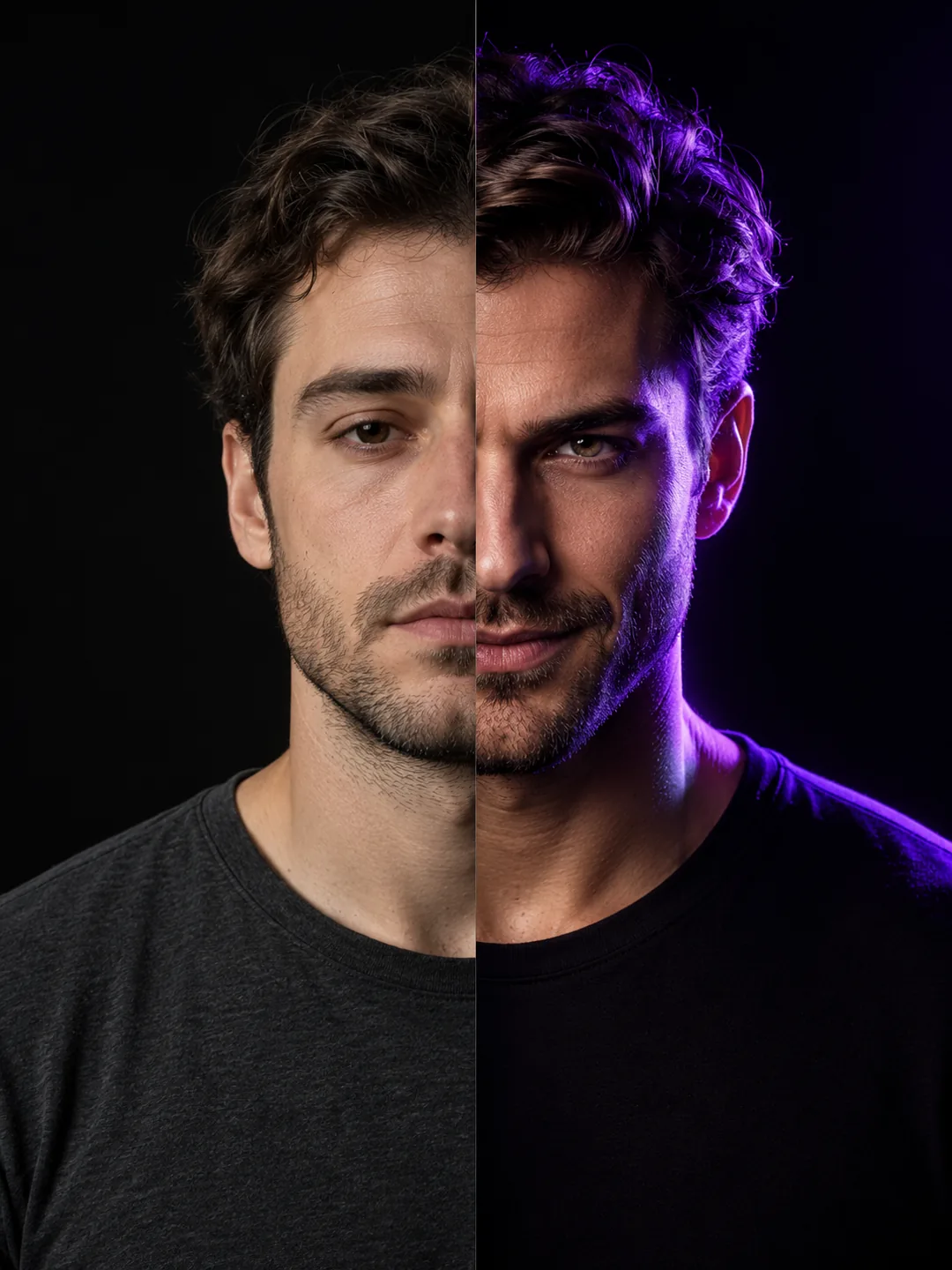
You vs You AI turns one portrait into a personality contrast without needing two people. The first frame is calm and understated; the second brings a stronger look and a direct camera stare.
Best for: Glow-up edits, motivational posts and personality contrast reels.
Key visual beats
- 01A quiet, neutral portrait establishes the opening side.
- 02A light sweep creates a confident second version.
- 03Both sides land together in a clean split-screen finish.
Choose the source photo
- Use a front-facing portrait with even lighting.
- Keep the face centered so both sides align.
- Avoid clothing that blends into the background.
A clean photo, a clearer result
You vs You AI uses 1 photo and costs 130 credits. Upload only photos you own or have permission to use.
Questions about You vs You AI
What to expect before uploading your photo.
What does You vs You AI create?
You vs You AI turns one portrait into a personality contrast without needing two people. The first frame is calm and understated; the second brings a stronger look and a direct camera stare.
What photo works best for You vs You AI?
Use a front-facing portrait with even lighting. Keep the face centered so both sides align. Avoid clothing that blends into the background.
How many photos does You vs You AI need?
You vs You AI needs 1 photo. The result is a 9:16 video and uses 130 credits.
More trend templates
Keep the format fresh with another trend-ready video.