



55 new templates this week

Make viral AI videos with your own photo in one tap

One photo in, a 9:16 TikTok-ready MP4 out in a few minutes — no prompt, no watermark.

Sign-in required · No free trial · First order $6.99 then from $8.40/video
3–8 min · No watermark · Refund if render fails · Secure checkout by Stripe

80 trend formats55 new this week1,829,716,646 TikTok views tracked
Posts to TikTok Instagram YouTube

Updated November 1, 2026 · hashtag aggregates for the trends we cover, not metrics of this site · methodology

Trending now

The formats with the most TikTok views on record, ready to make now.

All templates

New this week · Oct 25–31

73 new templates added this week.

See all new
Bonito Bonito Baby Dance AI video template previewNew

Bonito Bonito Baby Dance

130 credits1 photo
Pray For Me Slow Mo AI video template previewNew

Pray For Me Slow Mo

130 credits2 photos
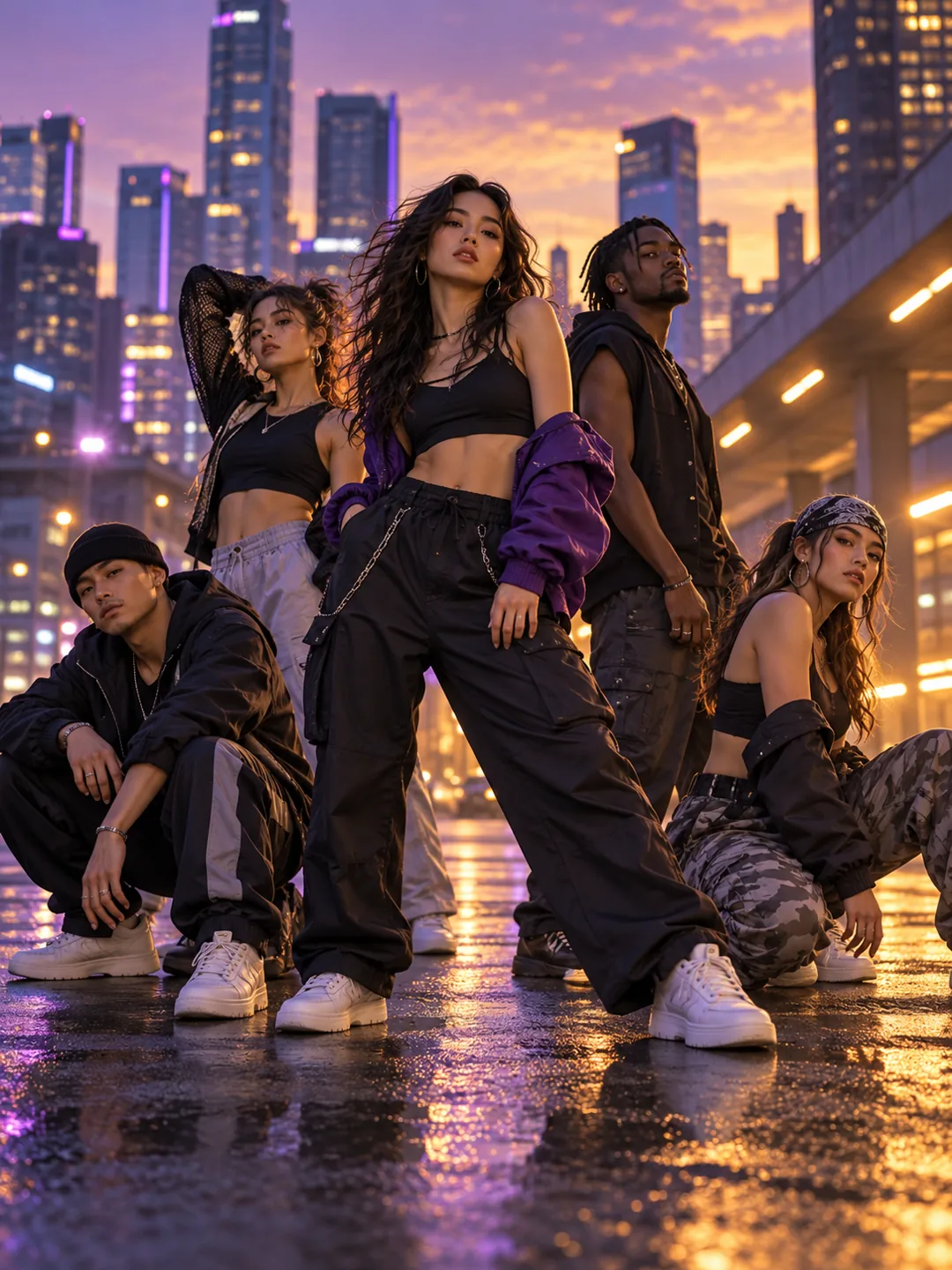
Mandem in Disguise AI video template previewNew

Mandem in Disguise

130 credits2 photos
Choosin' Texas Emo AI video template previewNew

Choosin' Texas Emo

130 credits1 photo
Bye Bye Outfit Change AI video template previewNew

Bye Bye Outfit Change

130 credits1 photo
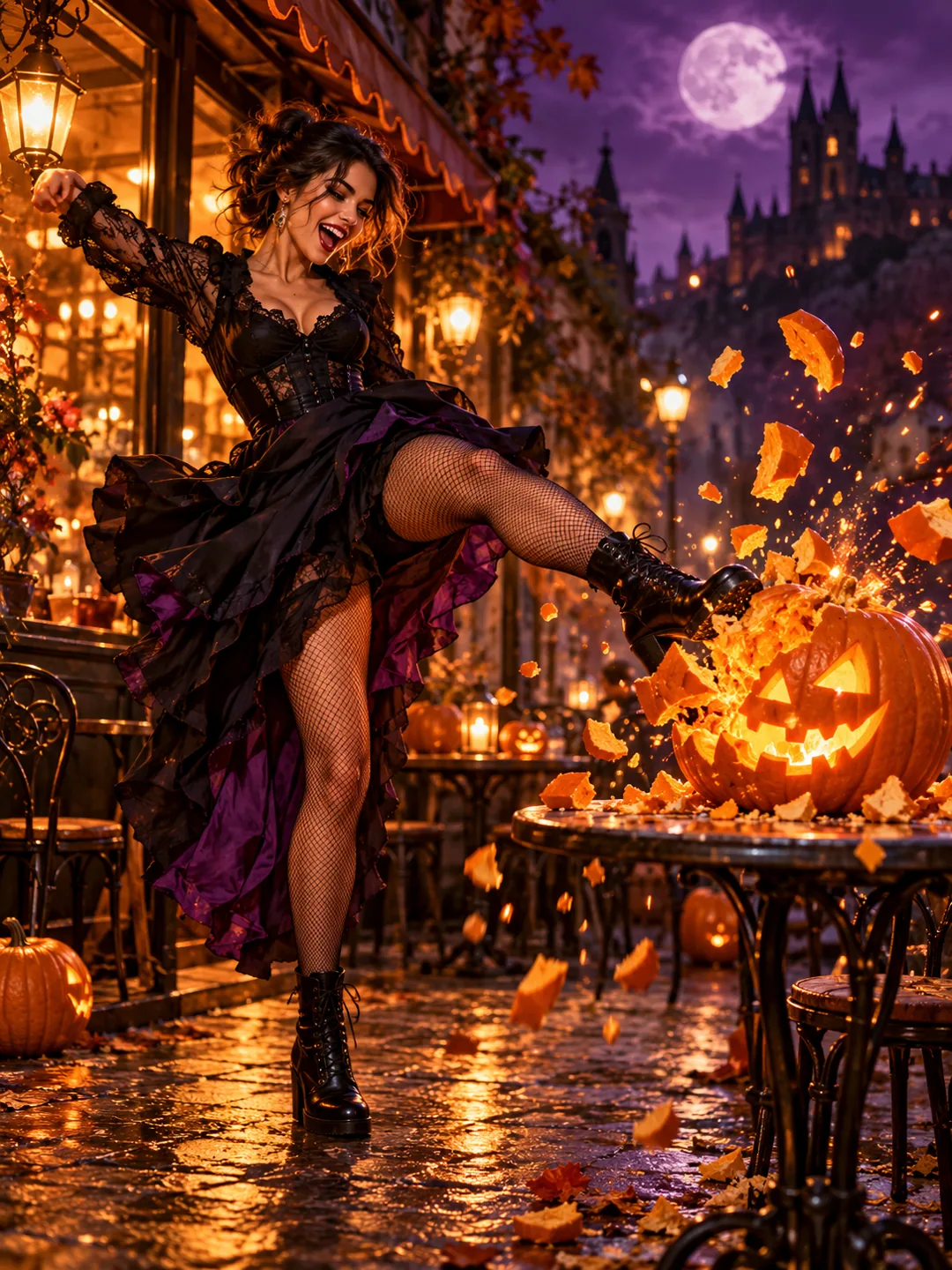
Pumpkin Kick AI Video AI video template previewNew

Pumpkin Kick AI Video

130 credits1 photo
Halloween Ceiling Fan AI video template previewNew

Halloween Ceiling Fan

130 credits1 photo
Witch on the Metro AI video template previewNew

Witch on the Metro

130 credits1 photo
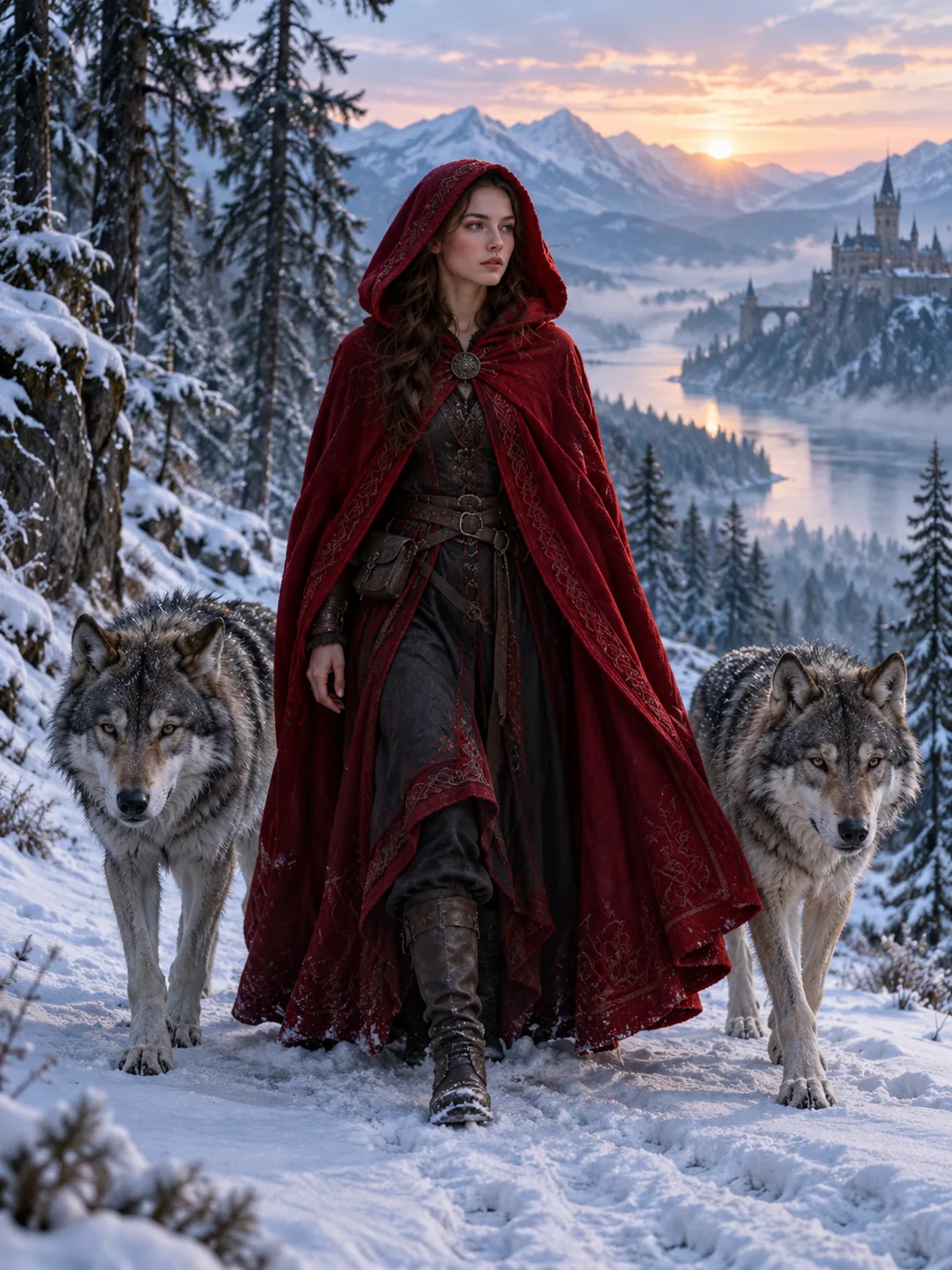
AI Red Riding Hood AI video template previewNew

AI Red Riding Hood

130 credits1 photo
LISA Tarantino Dance AI video template previewNew

LISA Tarantino Dance

130 credits1 photo
Dog Bartender AI video template previewNew

Dog Bartender

130 credits1 photo
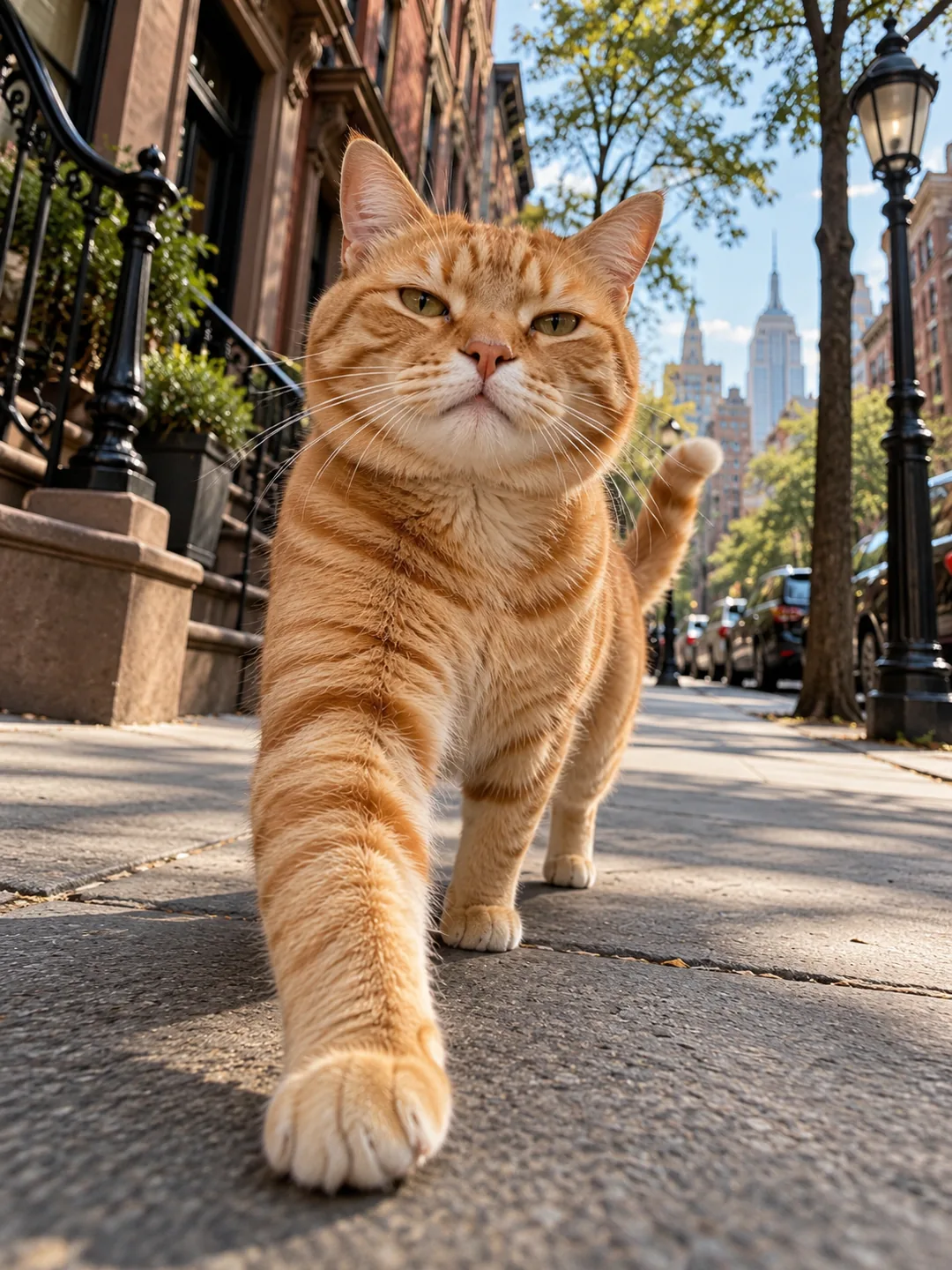
Cat Middle Finger AI video template previewNew

Cat Middle Finger

130 credits1 photo
DESERVE Rain Scene AI video template previewNew

DESERVE Rain Scene

130 credits1 photo
Baby With Mustache AI video template previewNew

Baby With Mustache

130 credits1 photo
Car Alarm Dance AI video template previewNew

Car Alarm Dance

130 credits1 photo
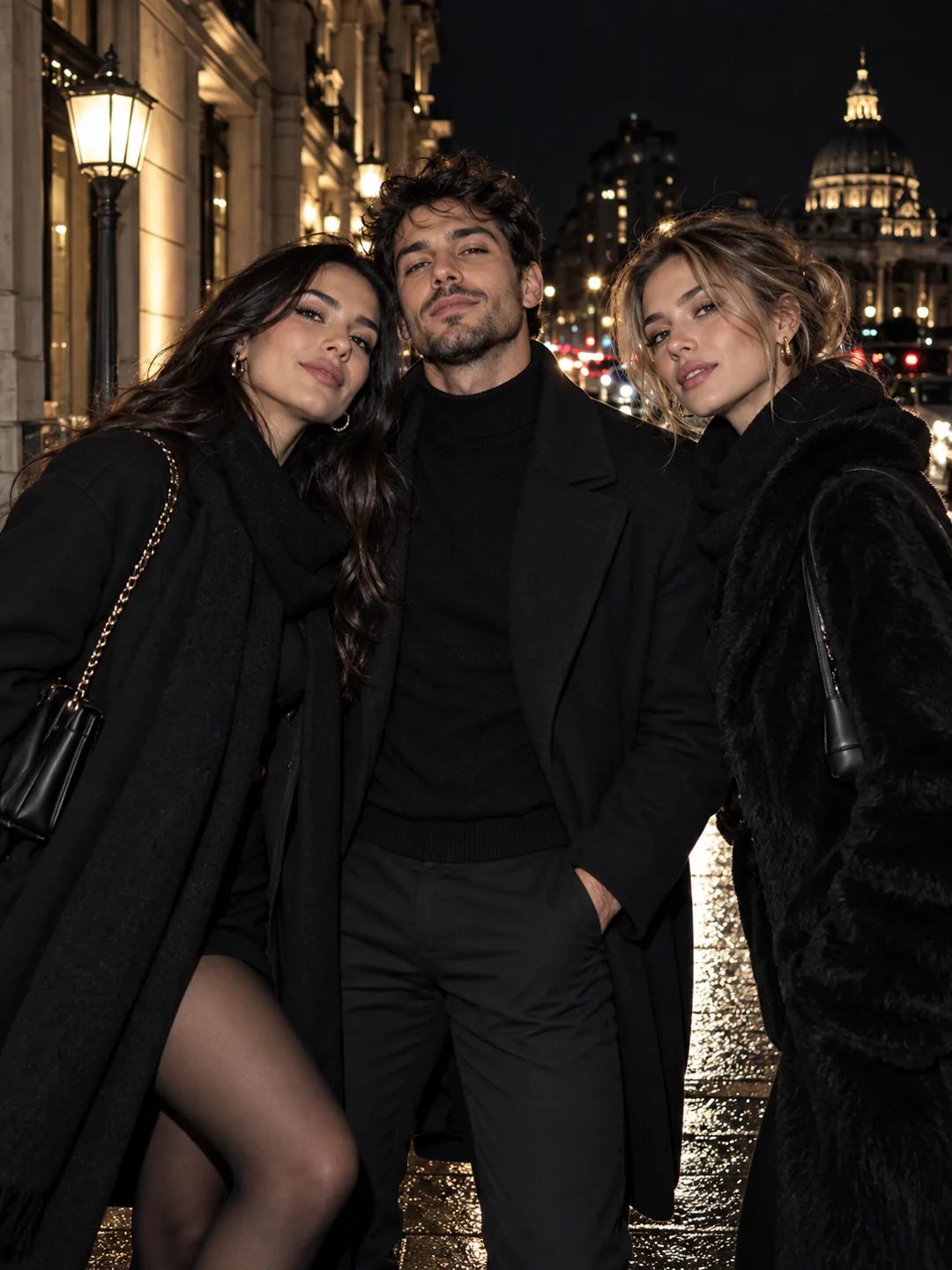
Cardo Dinner AI video template previewNew

Cardo Dinner

130 credits2 photos
Mickey D's Dance AI video template previewNew

Mickey D's Dance

130 credits2 photos
Pick It Up Dance AI video template previewNew

Pick It Up Dance

130 credits1 photo
Hello 2027 AI video template previewNew

Hello 2027

130 credits1 photo
Halloween Makeup Filter AI video template previewNew

Halloween Makeup Filter

130 credits1 photo
Then I Walk In AI video template previewNew

Then I Walk In

130 credits1 photo
AI Couple Prank AI video template previewNew

AI Couple Prank

130 credits2 photos
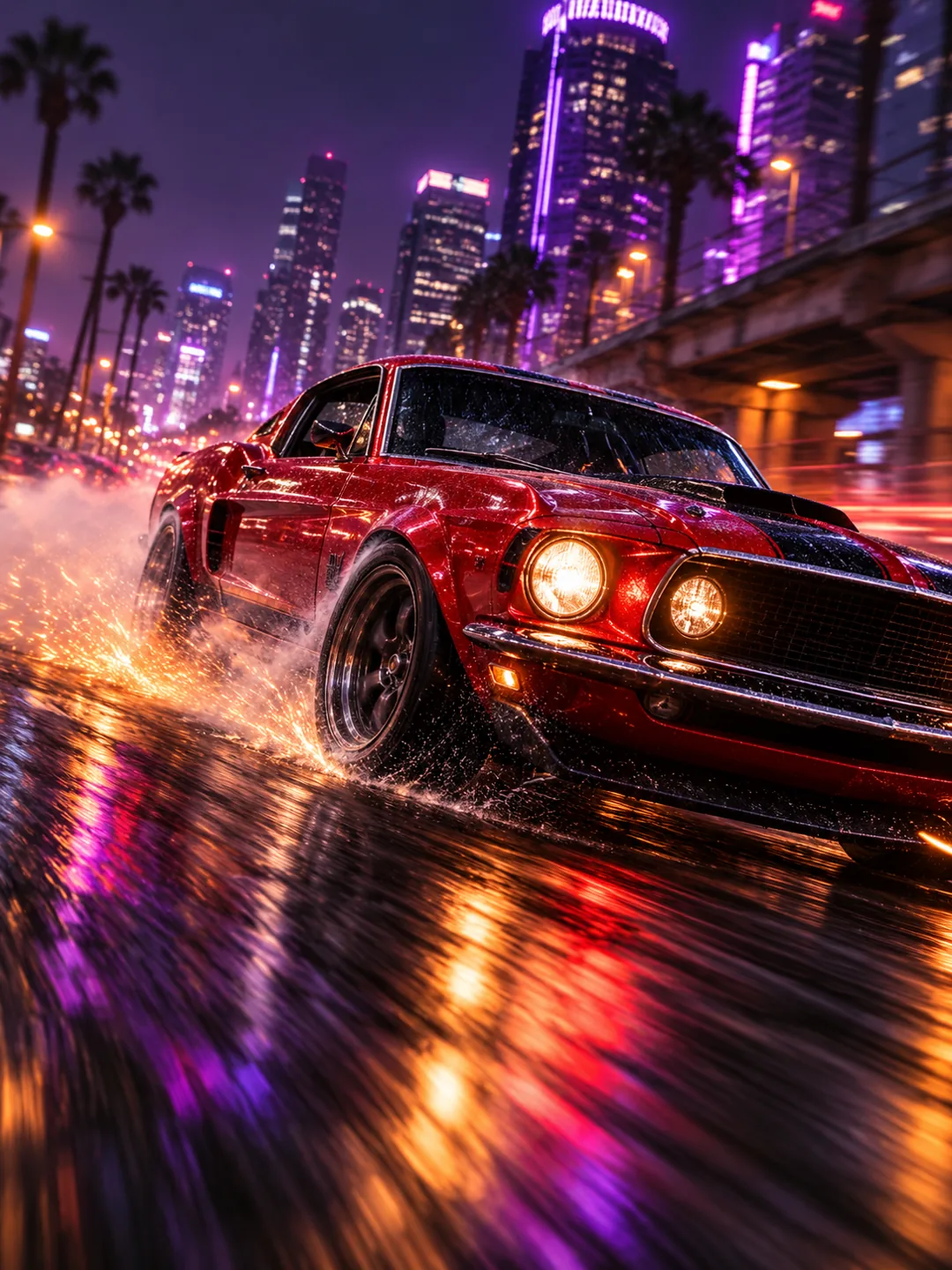
Birthday Car AI video template previewNew

Birthday Car

130 credits1 photo
Parrot Dance AI video template previewNew

Parrot Dance

130 credits1 photo
Shaving Cream Trend AI video template previewNew

Shaving Cream Trend

130 credits1 photo
Street Light Slide AI video template previewNew

Street Light Slide

130 credits1 photo
AI Cat Story AI video template previewNew

AI Cat Story

130 credits1 photo
Bécane Trend AI video template previewNew

Bécane Trend

130 credits1 photo
Kolpaçino Car Scene AI video template previewNew

Kolpaçino Car Scene

130 credits2 photos
Dog Dance Crew AI video template previewNew

Dog Dance Crew

130 credits1 photo
Grease Dance AI video template previewNew

Grease Dance

130 credits2 photos
Next Chapter Dance AI video template previewNew

Next Chapter Dance

130 credits1 photo
Skull Cap Trend AI video template previewNew

Skull Cap Trend

130 credits1 photo
I'm So In Love With You AI video template previewNew

I'm So In Love With You

130 credits1 photo
Cat Human AI video template previewNew

Cat Human

130 credits1 photo
Bing Bing Bing Kicking AI video template previewNew

Bing Bing Bing Kicking

130 credits2 photos
Puerto Rican Mami Dance AI video template previewNew

Puerto Rican Mami Dance

130 credits1 photo
Window Dance AI video template previewNew

Window Dance

130 credits1 photo
Shaking Head AI video template previewNew

Shaking Head

130 credits1 photo
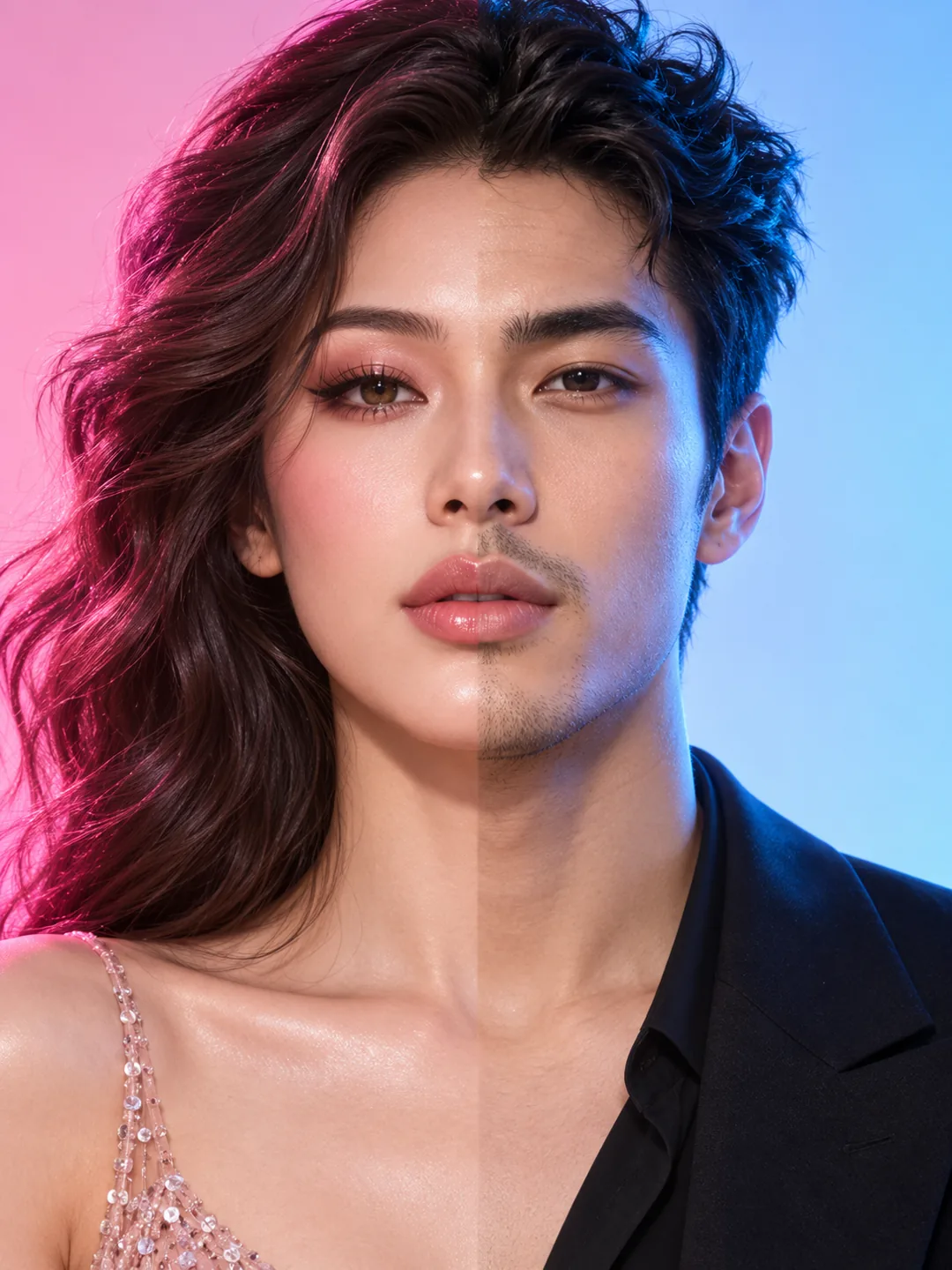
Angel or Devil Filter AI video template previewNew

Angel or Devil Filter

130 credits1 photo
Love Me Trend AI video template previewNew

Love Me Trend

130 credits2 photos
Tiny Desk AI AI video template previewNew

Tiny Desk AI

130 credits3 photos
Missed Train Dance AI video template previewNew

Missed Train Dance

130 credits1 photo
Tiny Desk Meme AI video template previewNew

Tiny Desk Meme

130 credits1 photo
Get the trends early. Get the views.

A trend pays off most in its first days.

Our team watches TikTok, Instagram and YouTube every few hours and turns each new breakout into a one-tap template, often within a day. 54 new templates are live this week.

New trends, while they climb

We watch sounds and creators every few hours and turn new breakouts into one-tap templates.

Made to be posted

Vertical 9:16 videos with sound and no watermark, ready for every short-video platform.

Safe and legit

Secure checkout by Stripe, and a video that fails gives its credits back. Your own photos only.

Ready in minutes

No prompt to write and no editing app. Pick a trend, add a photo, tap once and download.

How to make a viral AI video

No prompt to write and no editing app. A failed render gives its credits back.

01

Pick a trend

Every template shows a real example and its price in credits before you start.

02

Add your photo

One or two clear photos: you, a friend who agreed, or your pet.

03

Tap once

ViralVideoAI runs the tested prompts, adds sound and gives you a 9:16 file.

Manual edit vs ViralVideoAI

Same platform-ready 9:16 output in a fraction of the time and without a prompt.

StepManual editViralVideoAI
Finding a trendScroll TikTok for 30+ min, guess the formatTrending now row, ranked by views
Writing the prompt5–10 attempts to steer the modelZero prompt — the template is pre-tuned
Voice and soundSeparate TTS tool, timing by handNative track baked into the template
9:16 aspect ratioExport then re-crop in CapCutNative 9:16, platform-ready
Time to first video1 to 3 hours5 to 8 minutes

Common mistakes to avoid

Five mechanical mistakes with five mechanical fixes.

01

Posting after the window

The first 72 hours matter more than a perfect edit.

02

Choosing a stale format

A trend that already peaked gets no new reach.

03

Re-exporting the file

A second editor can strip metadata and soften the video.

04

Removing native audio

The sound is the discovery mechanism, not decoration.

05

Skipping the caption

Give the algorithm context in the first few words.

Questions, answered

Everything you need to know before making your first video.

Making your video

How do I make a viral AI video?

Pick a trend template, add your photos, and tap once. ViralVideoAI writes the script, makes the visuals and the voice, and gives you a 9:16 file to download and post. Post the file the same day while the trend is still rising.

What kinds of videos can I make?

Trend-driven short videos in 9:16 format for TikTok, Instagram Reels and YouTube Shorts: dance challenges, pet videos, outfit-change and costume transformations, cinematic scenes and meme reenactments.

Can I make an AI video of my dog or cat?

Yes. Pet templates start from one clear full-body photo of your pet with its face, paws and coat markings visible. The pet supplies its look; every action in the clip is generated.

Does ViralVideoAI add a watermark?

No. Every exported video is a clean 9:16 file with no watermark, on every plan and every pack. You can post it directly to TikTok, Instagram Reels and YouTube Shorts.

Can I use ViralVideoAI on my phone?

Yes. Open ViralVideoAI in Safari or Chrome, sign in, choose a template and upload a photo from your camera roll. No app install required.

How is ViralVideoAI different from CapCut, Sora or Veo?

ViralVideoAI is a library of pretuned trend templates rather than a general video model. You skip prompt engineering and format trial-and-error and get a platform-ready 9:16 result.

How long does one video take to render?

Most trend templates render in 3 to 8 minutes. You can leave the tab open or come back later — the finished file waits in your library.

Safety & consent

Is ViralVideoAI safe to use?

Checkout is handled by Stripe. Uploaded photos are used only to render your videos and are not used to train a model. Upload only photos of yourself or people who have agreed.

Can I use a photo of someone else?

Only if they have agreed. ViralVideoAI prohibits uploading photos of real people without consent and does not support celebrity likeness templates.

Can I use a photo of my baby or child?

Only on templates made for it, and only with the child of a parent or guardian who asks you to make the video. Label AI-made clips when posting.

Questions? support@viralvideoai.lol

Final recommendation

The fastest path to your first viral AI video

Start with a template from this week’s new row and the $6.99 first-order pack. Pick a trend that is less than seven days old, add one clear, well-lit photo, and post the 9:16 file the same day.

Viral AI Videos: One-Tap Trend Templates | ViralVideoAI