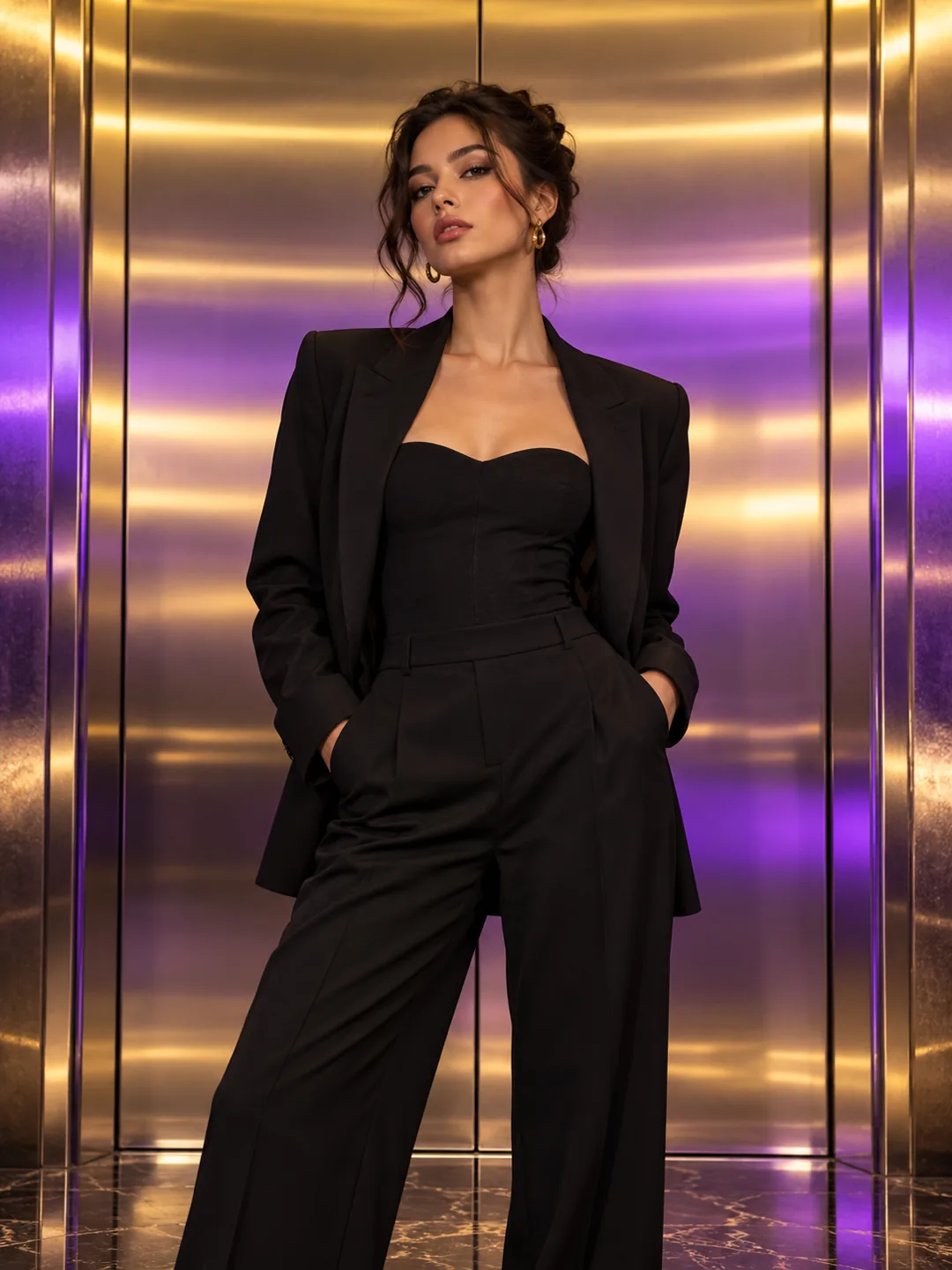
Elevator Outfit Change AI
Create an elevator outfit-change AI video from one photo, with mirrored doors, a quick lighting shift and a confident final fashion reveal.
Elevator Outfit Change AI
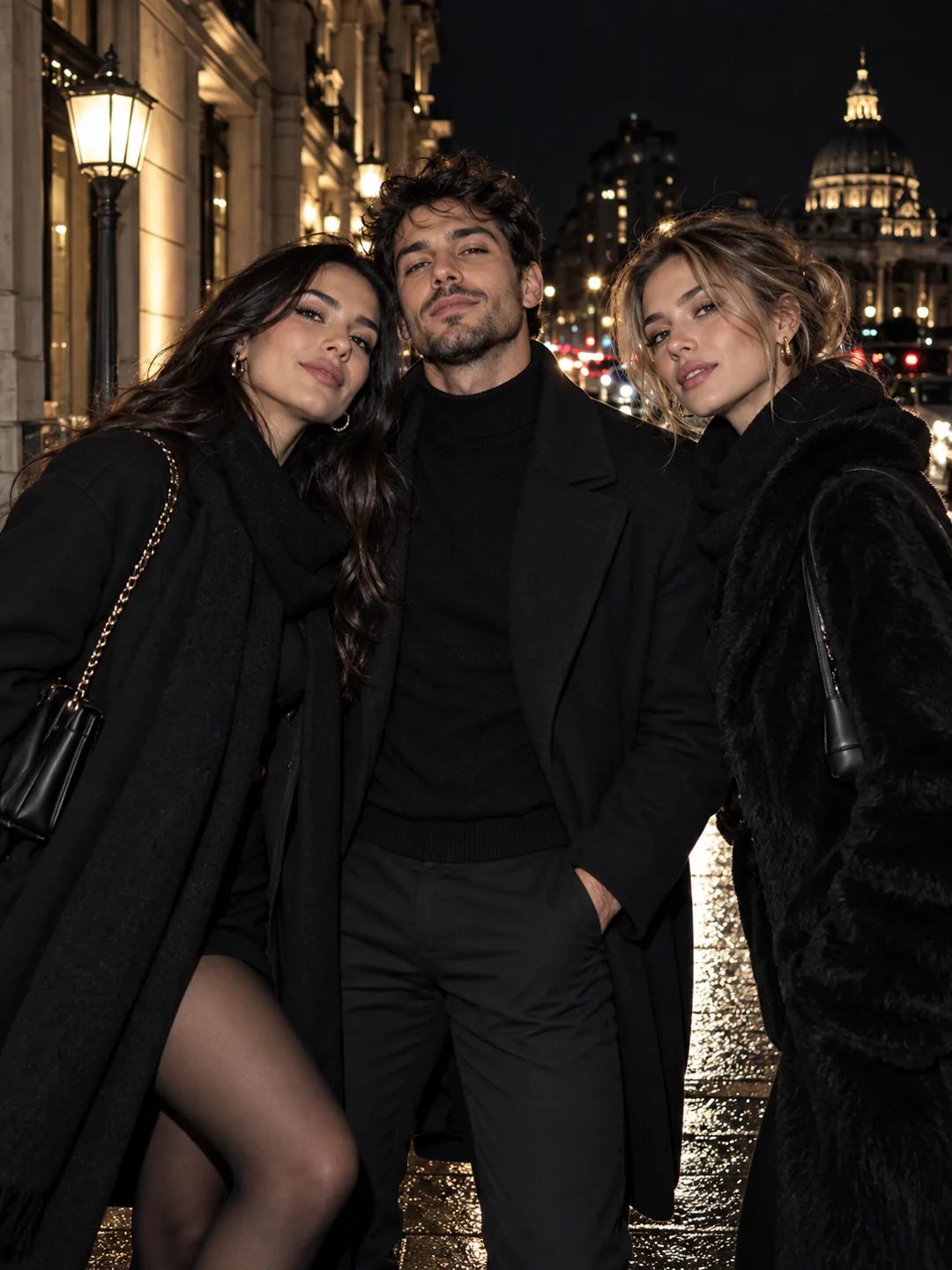
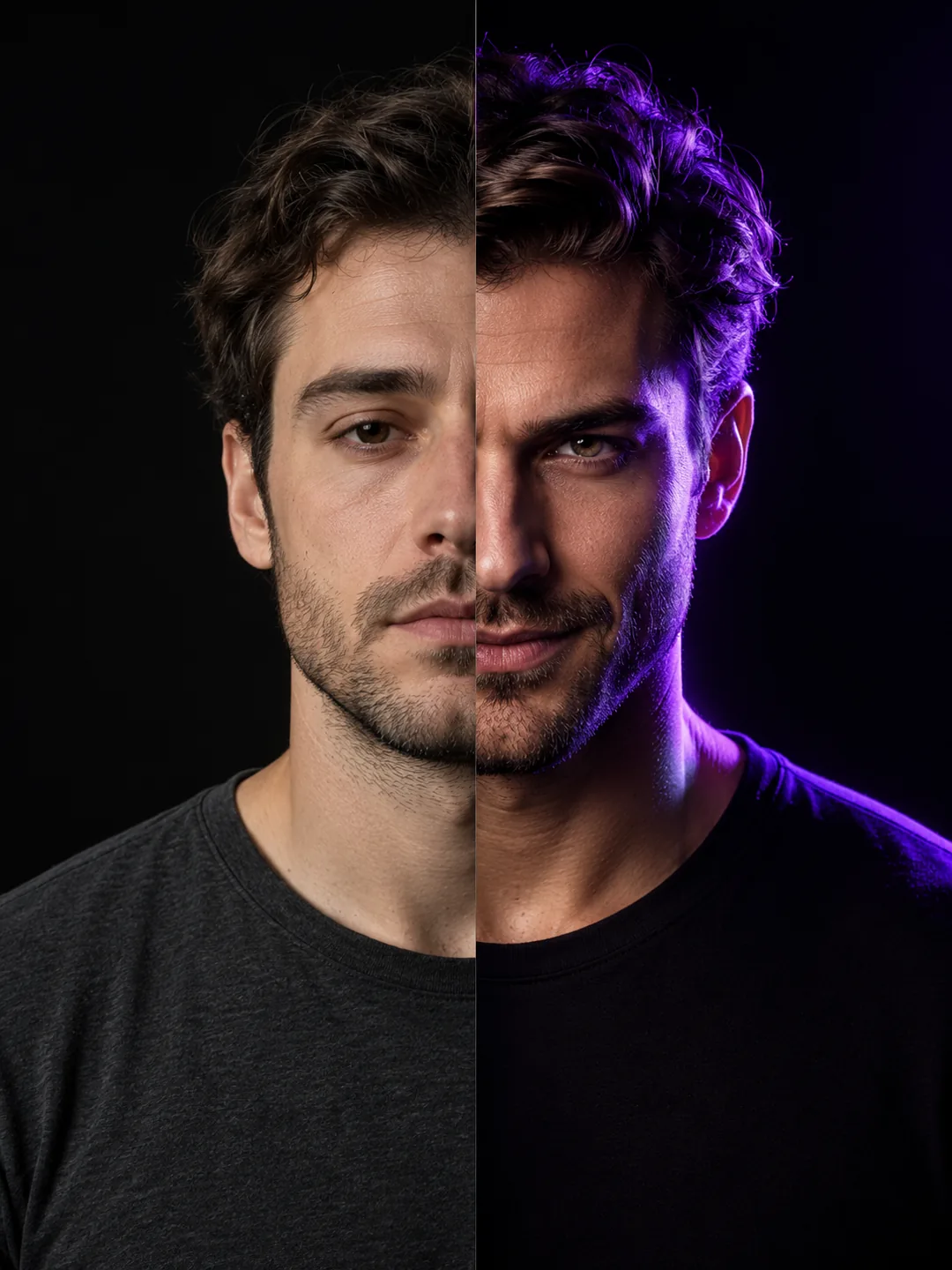
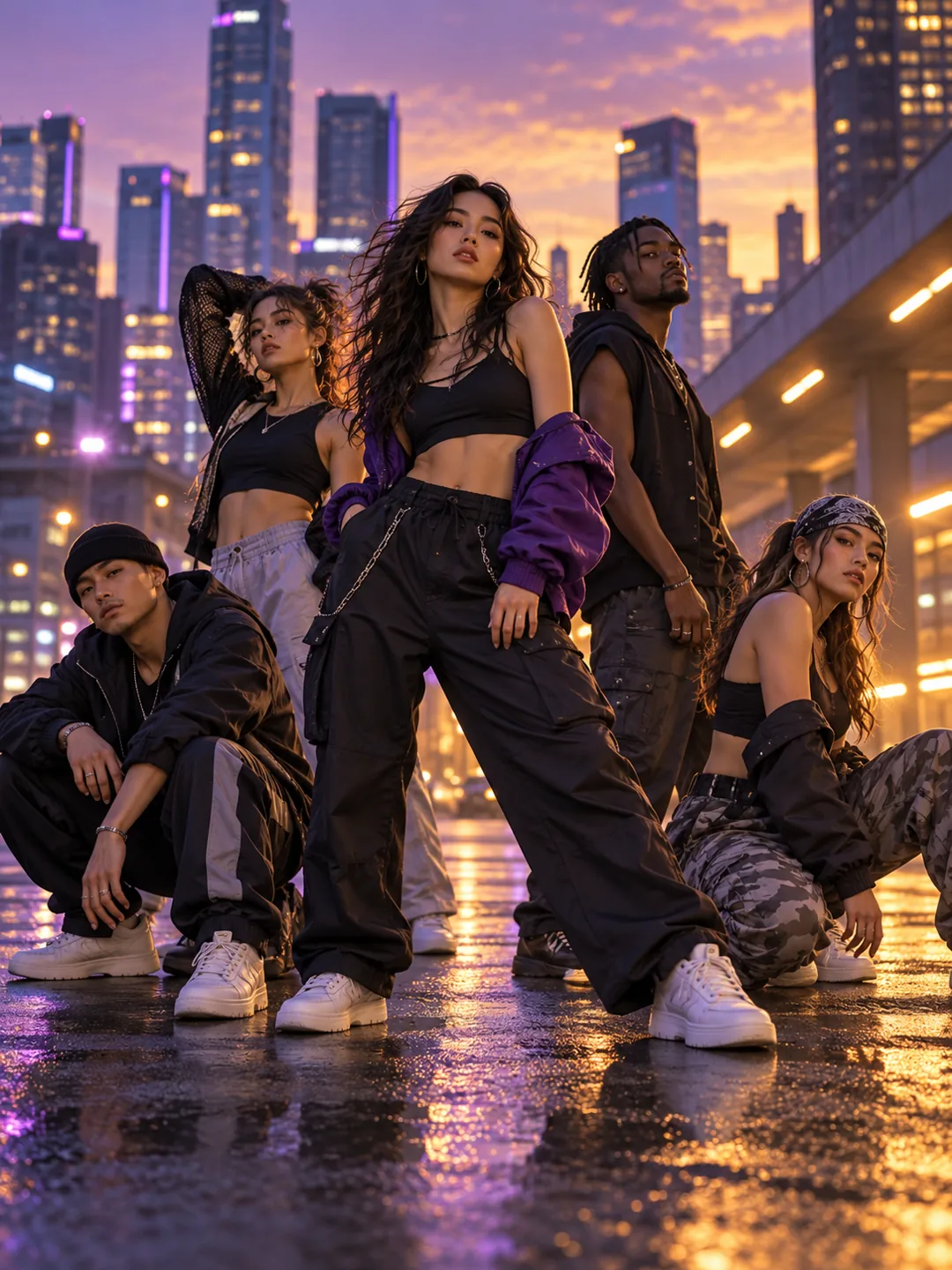
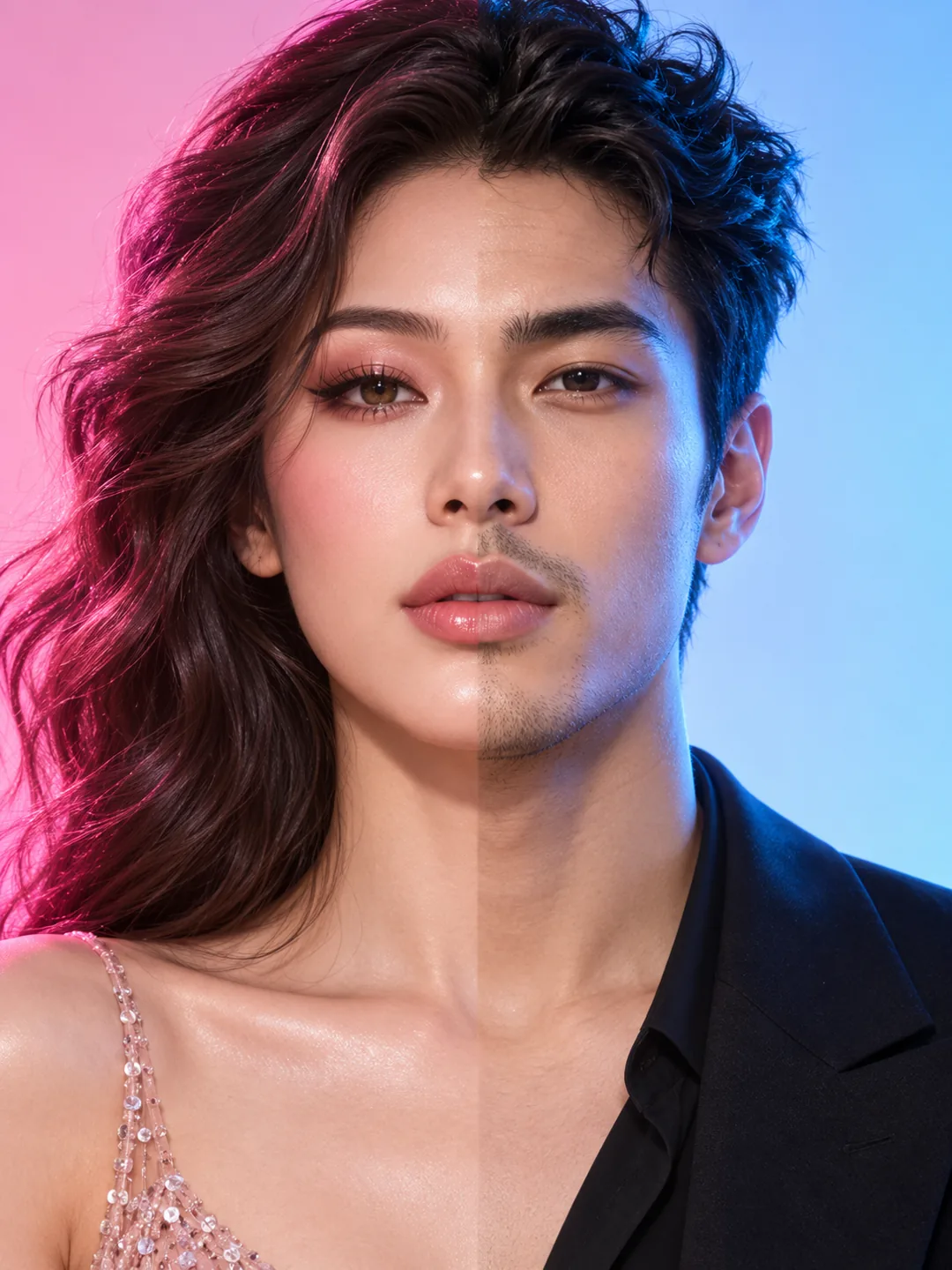
Elevator Outfit Change AI turns a familiar transition into a compact fashion moment. The template uses the elevator’s reflective surfaces and closing doors to create a clean before-and-after beat.
Best for: Fashion creators, stylists and anyone posting a fast outfit reveal.
Key visual beats
- 01The subject waits in a polished elevator in the first outfit.
- 02The doors pass across the lens and the light changes.
- 03A second outfit is revealed with a confident final pose.
Choose the source photo
- Use a full-body or three-quarter photo with clean posture.
- Avoid reflections that compete with the subject.
- Keep shoes and hands inside the frame if possible.
A clean photo, a clearer result
Elevator Outfit Change AI uses 1 photo and costs 130 credits. Upload only photos you own or have permission to use.
Questions about Elevator Outfit Change AI
What to expect before uploading your photo.
What does Elevator Outfit Change AI create?
Elevator Outfit Change AI turns a familiar transition into a compact fashion moment. The template uses the elevator’s reflective surfaces and closing doors to create a clean before-and-after beat.
What photo works best for Elevator Outfit Change AI?
Use a full-body or three-quarter photo with clean posture. Avoid reflections that compete with the subject. Keep shoes and hands inside the frame if possible.
How many photos does Elevator Outfit Change AI need?
Elevator Outfit Change AI needs 1 photo. The result is a 9:16 video and uses 130 credits.
More trend templates
Keep the format fresh with another trend-ready video.