Bonito Bonito Baby AI
Create a Bonito Bonito Baby AI dance video from a clear baby photo, with a gentle sway, a pretend sip and a soft 9:16 family clip.
Bonito Bonito Baby AI
Bonito Bonito Baby AI is a gentle, playful baby-dance template. Use only your own child’s photo or a photo provided by their parent or guardian, and label the result as AI-made.
Best for: Family memories, playful baby clips and AI-labelled social posts.
Key visual beats
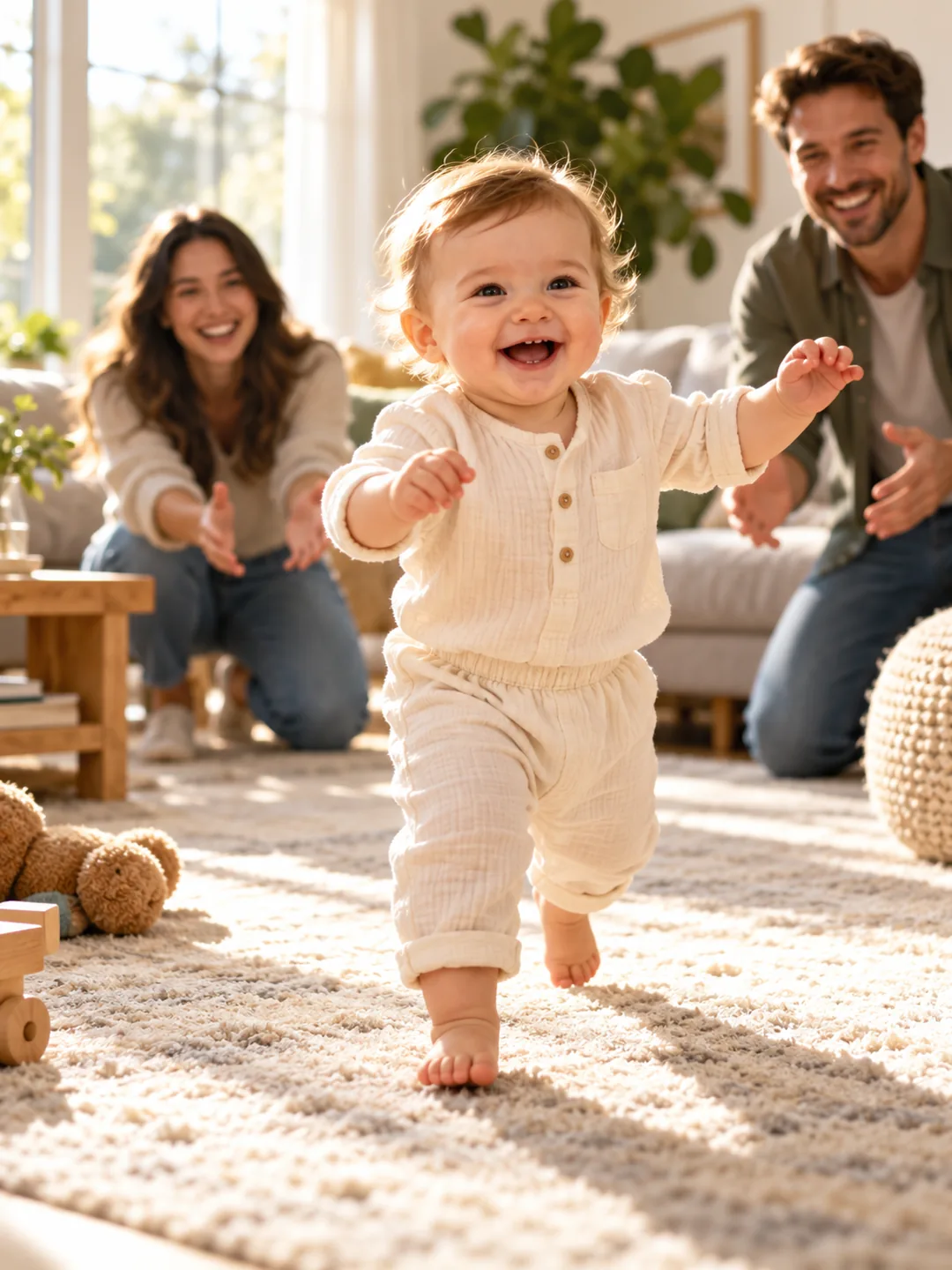
- 01The baby begins in a calm, bright family setting.
- 02A pretend sip and small sway create the dance beat.
- 03A smiling close-up finishes the soft clip.
Choose the source photo
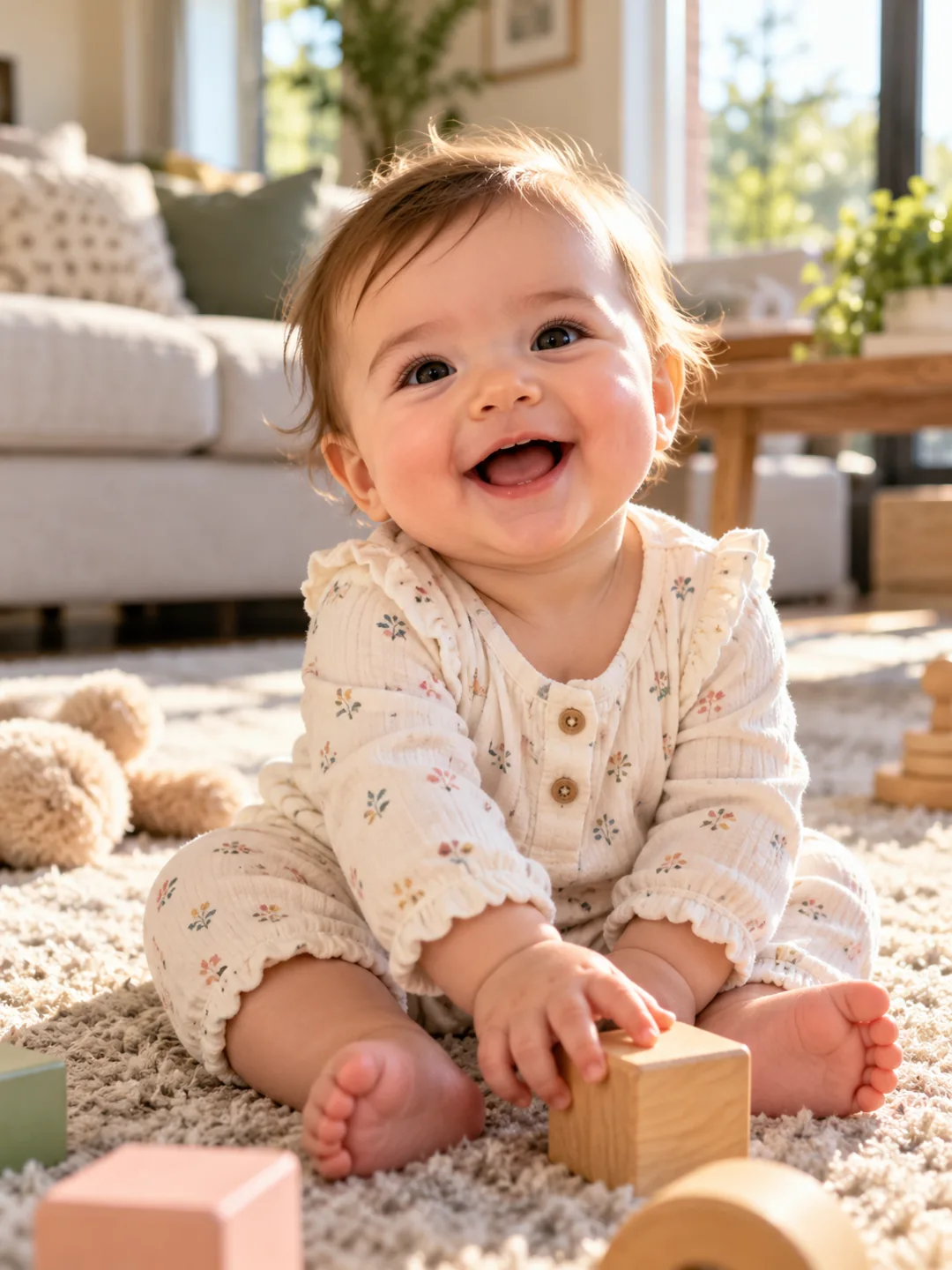
- Use a clear, well-lit baby photo with eyes visible.
- Keep hands and face inside the frame.
- Choose simple clothing and a calm background.
A clean photo, a clearer result
Bonito Bonito Baby AI uses 1 photo and costs 130 credits. Upload only photos you own or have permission to use.
Questions about Bonito Bonito Baby AI
What to expect before uploading your photo.
What does Bonito Bonito Baby AI create?
Bonito Bonito Baby AI is a gentle, playful baby-dance template. Use only your own child’s photo or a photo provided by their parent or guardian, and label the result as AI-made.
What photo works best for Bonito Bonito Baby AI?
Use a clear, well-lit baby photo with eyes visible. Keep hands and face inside the frame. Choose simple clothing and a calm background.
How many photos does Bonito Bonito Baby AI need?
Bonito Bonito Baby AI needs 1 photo. The result is a 9:16 video and uses 130 credits.
More trend templates
Keep the format fresh with another trend-ready video.