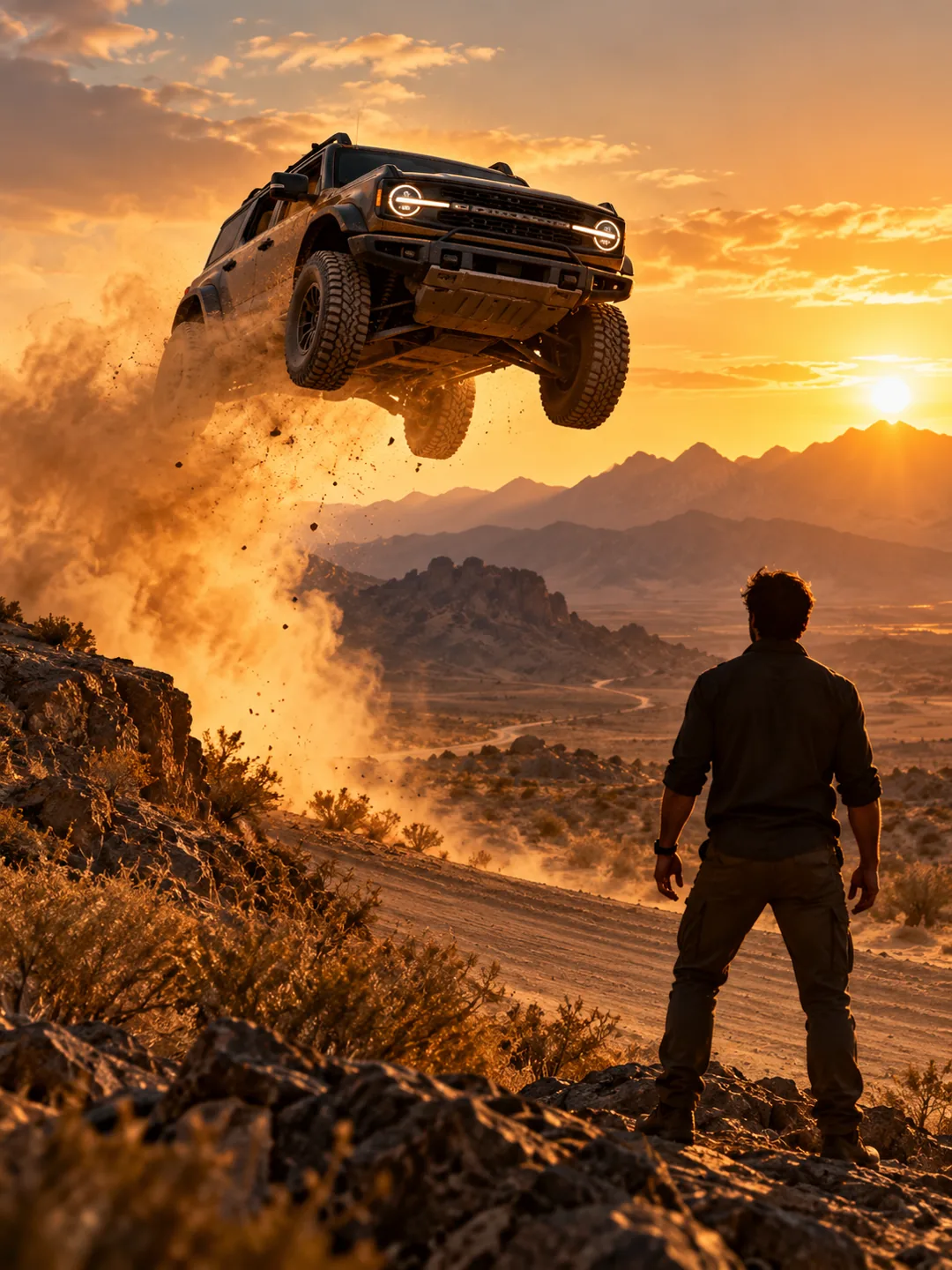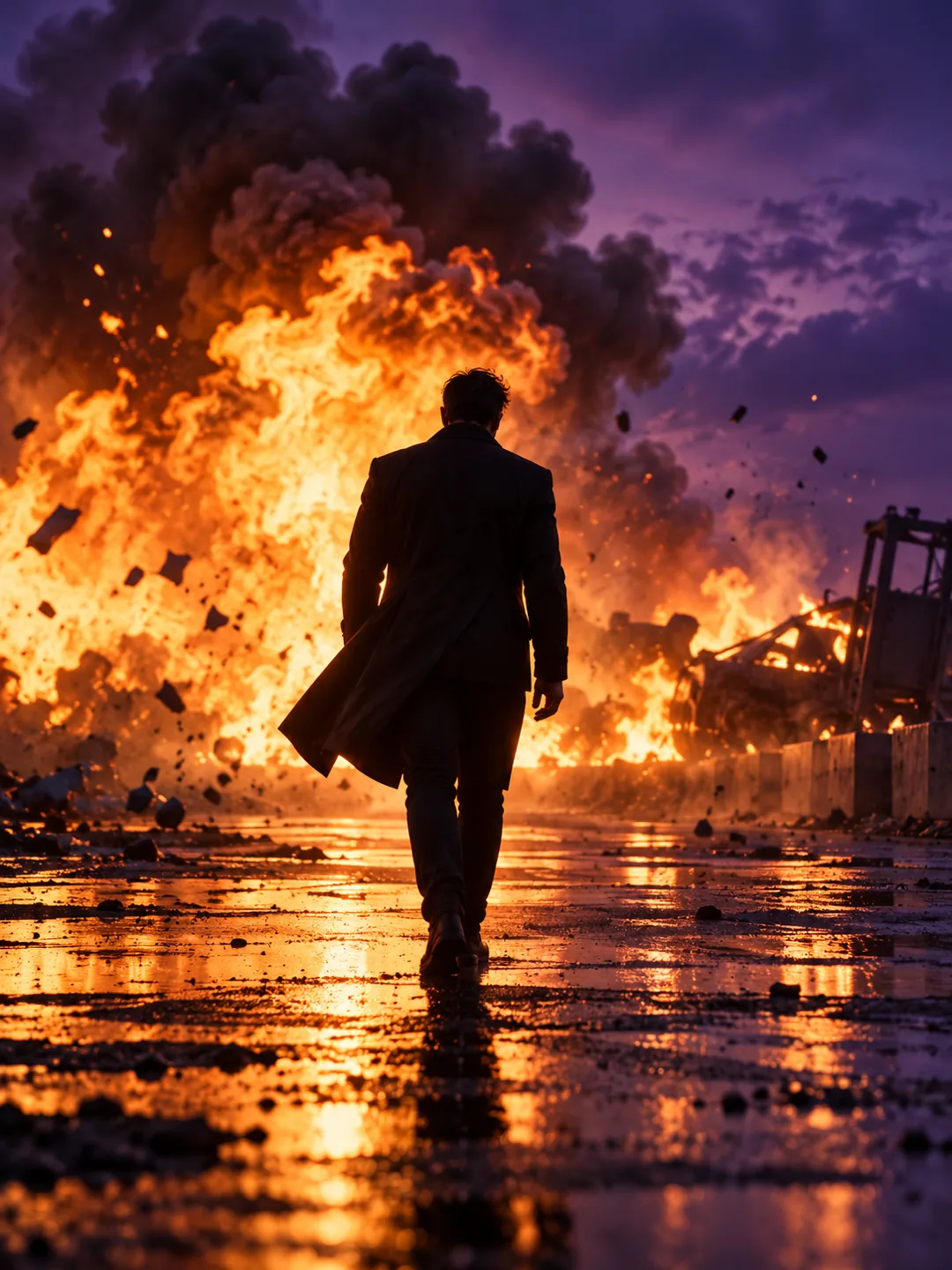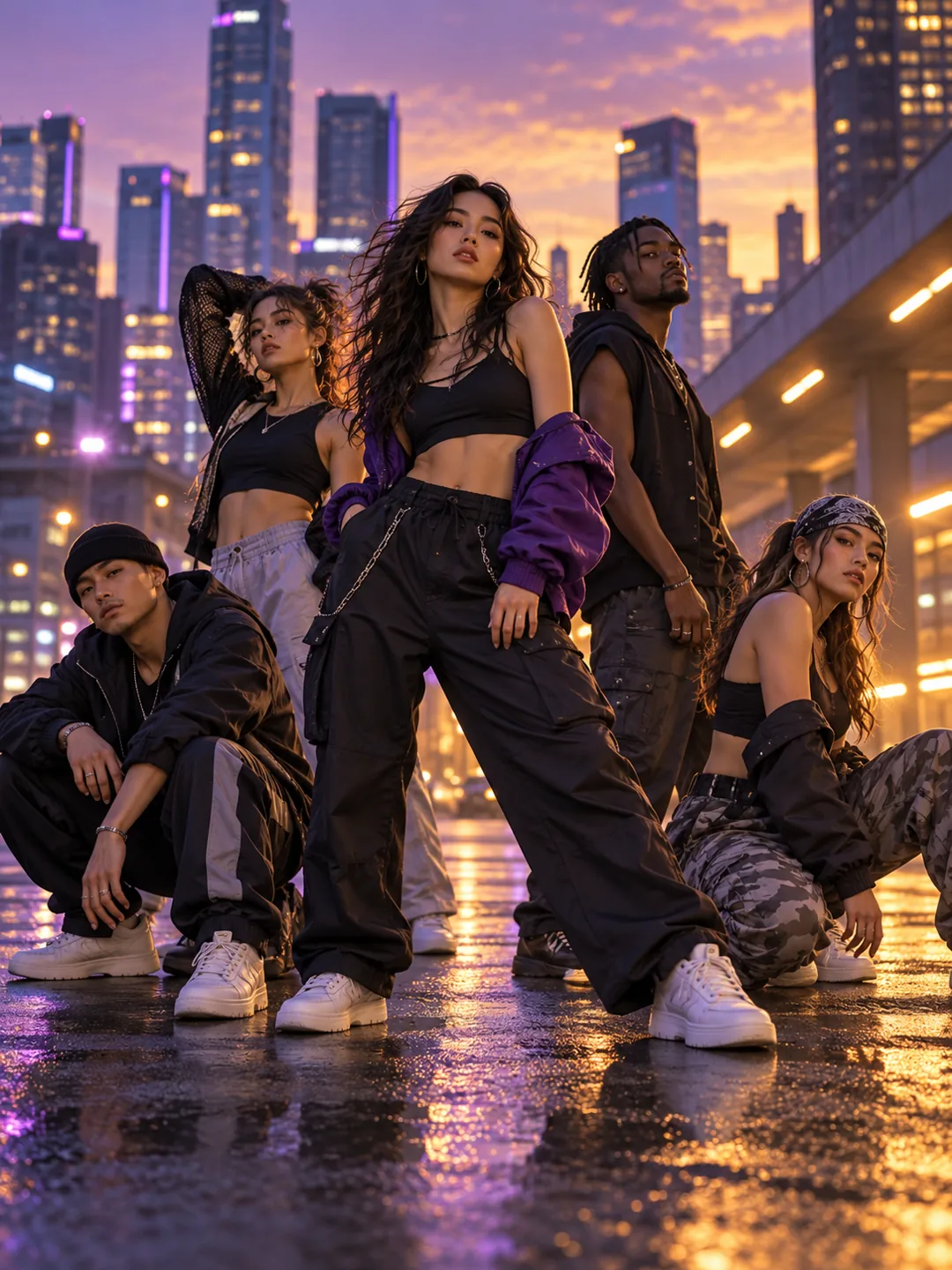
Camera Cannon AI
Create a Camera Cannon AI video from one photo, with a fast lens launch, impact-frame energy and a cinematic 9:16 camera effect.
Camera Cannon AI
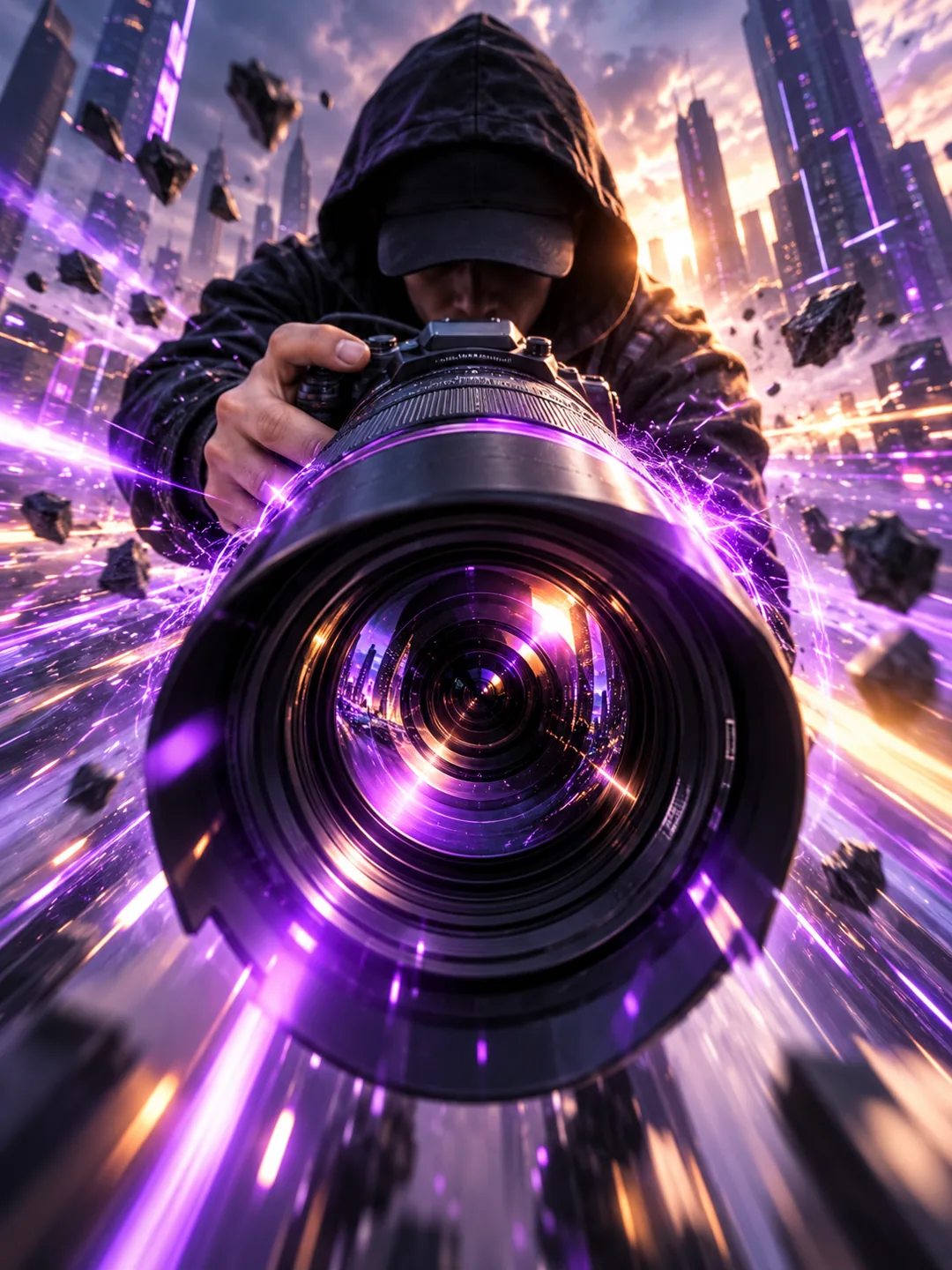
Camera Cannon AI is a high-energy camera-motion template. It treats the lens as a launch device, throwing the viewer into a fast perspective shift and a strong closing frame.
Best for: Action transitions, creator intros and high-energy edit reveals.
Key visual beats
- 01A calm portrait sets up the center of the frame.
- 02The camera launches forward with a bright flash.
- 03The shot lands in a sharp close-up with motion trails.
Choose the source photo
- Use a clear front-facing portrait.
- Keep the face and shoulders inside the center frame.
- Choose a simple background for the fast camera move.
A clean photo, a clearer result
Camera Cannon AI uses 1 photo and costs 130 credits. Upload only photos you own or have permission to use.
Questions about Camera Cannon AI
What to expect before uploading your photo.
What does Camera Cannon AI create?
Camera Cannon AI is a high-energy camera-motion template. It treats the lens as a launch device, throwing the viewer into a fast perspective shift and a strong closing frame.
What photo works best for Camera Cannon AI?
Use a clear front-facing portrait. Keep the face and shoulders inside the center frame. Choose a simple background for the fast camera move.
How many photos does Camera Cannon AI need?
Camera Cannon AI needs 1 photo. The result is a 9:16 video and uses 130 credits.
More trend templates
Keep the format fresh with another trend-ready video.