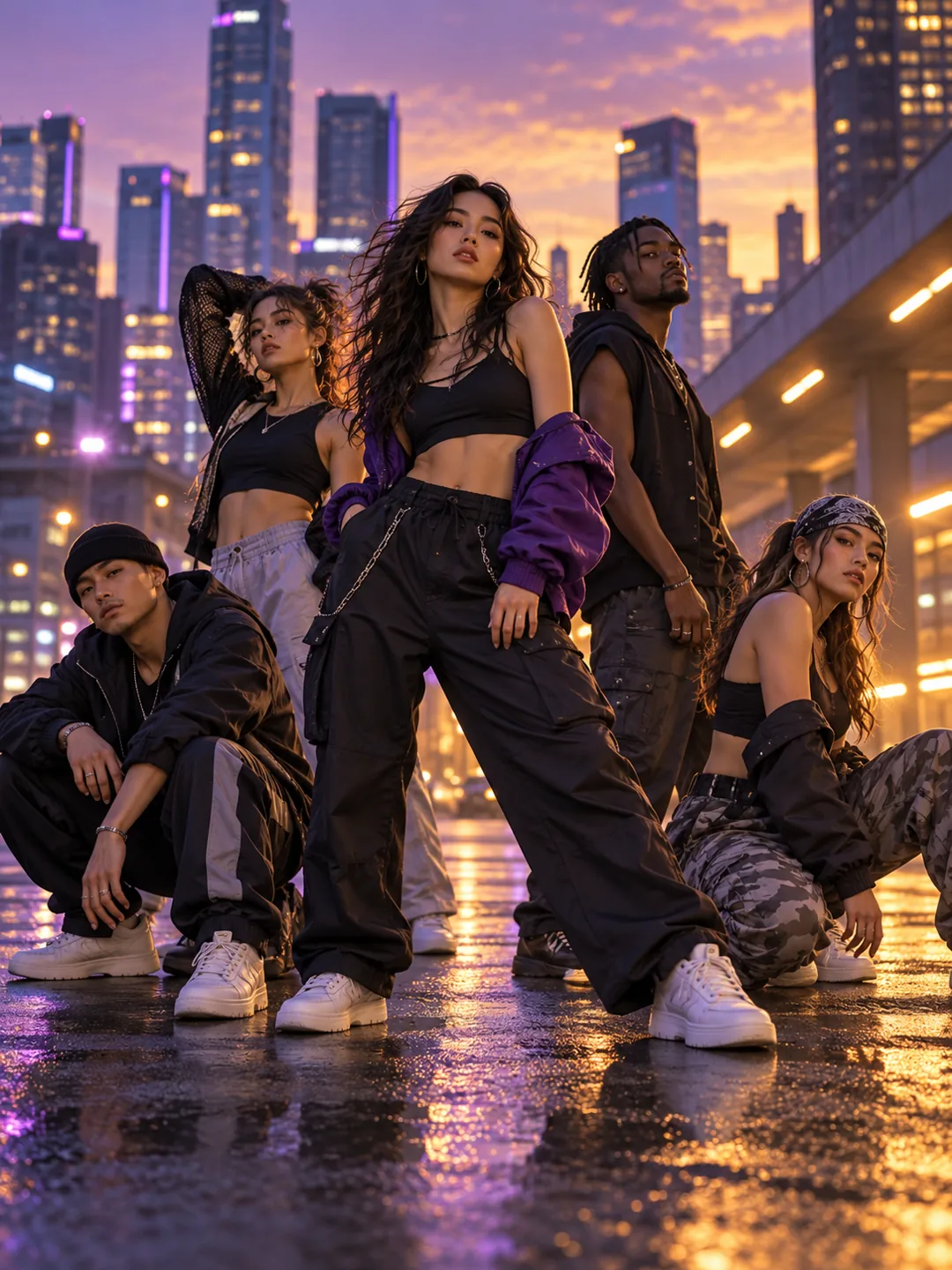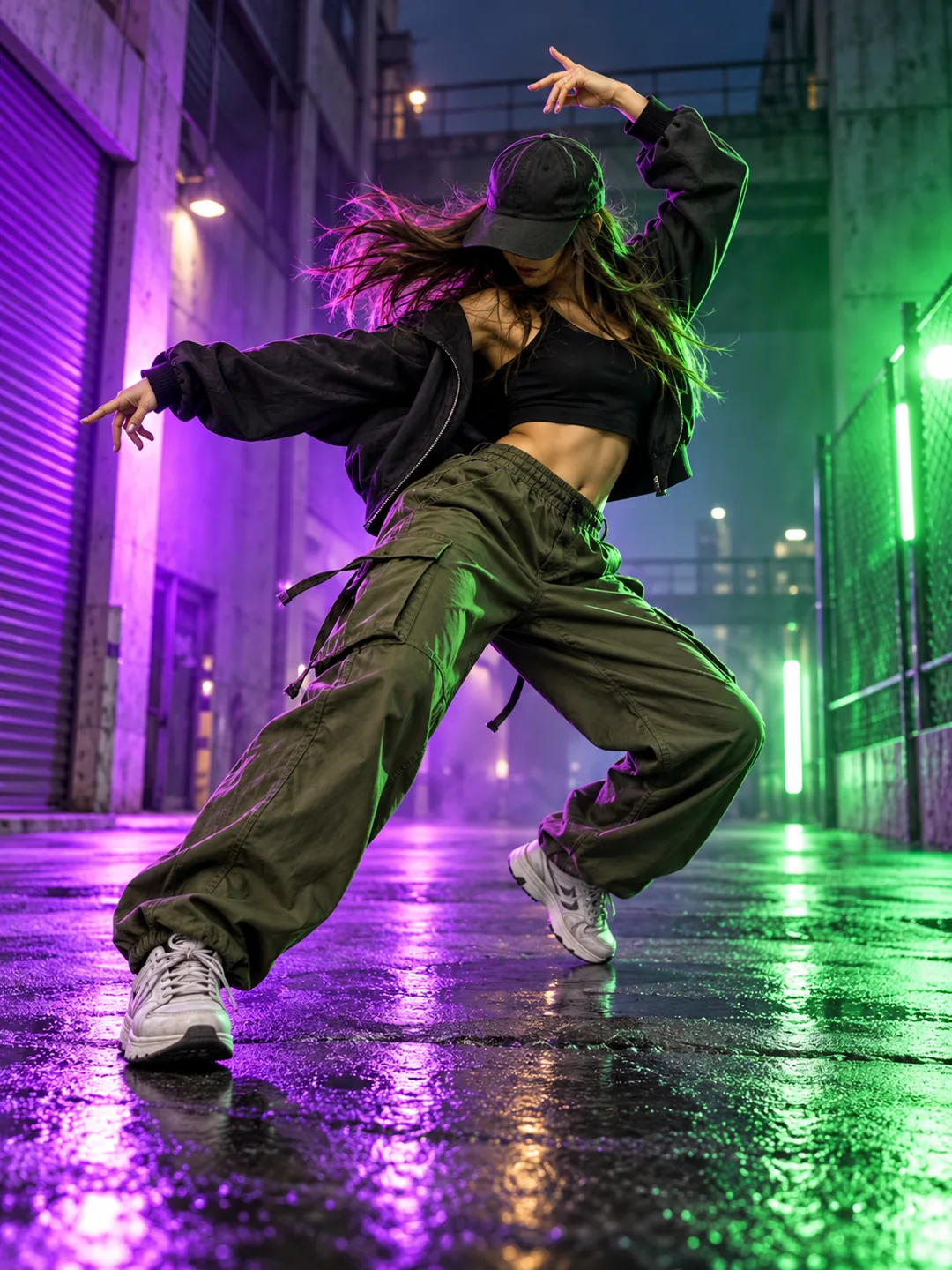
Buggin Dance AI
Create a Buggin Dance AI video from one photo, with fast footwork, loose arm movement and a high-energy 9:16 street dance reveal.
Buggin Dance AI
Buggin Dance AI is a loose, upbeat movement template built for expressive dance posts. A clear full-body photo gives the arms, legs and torso enough room to move.
Best for: Street dance, music edits and fast-moving trend clips.
Key visual beats
- 01The dancer starts in a relaxed street-style stance.
- 02Footwork and arm swings move quickly with the beat.
- 03A sharp final freeze shows the dance attitude.
Choose the source photo
- Use a full-body photo with both feet visible.
- Keep hands and elbows inside the frame.
- Choose a plain background with strong contrast.
A clean photo, a clearer result
Buggin Dance AI uses 1 photo and costs 130 credits. Upload only photos you own or have permission to use.
Questions about Buggin Dance AI
What to expect before uploading your photo.
What does Buggin Dance AI create?
Buggin Dance AI is a loose, upbeat movement template built for expressive dance posts. A clear full-body photo gives the arms, legs and torso enough room to move.
What photo works best for Buggin Dance AI?
Use a full-body photo with both feet visible. Keep hands and elbows inside the frame. Choose a plain background with strong contrast.
How many photos does Buggin Dance AI need?
Buggin Dance AI needs 1 photo. The result is a 9:16 video and uses 130 credits.
More trend templates
Keep the format fresh with another trend-ready video.